Search Engines and Google Hacking - The "Dork" Concept
In this post we'll look at how to search using Google's advanced search operators, a technique known as Google Hacking. Also known as "Dorking"…

Hello everyone :)
In this post we’ll look at how to search using Google’s advanced search operators, a technique known as Google Hacking. I’ll also cover what the “Dork” concept is and how it’s used.
What Is a Dork?
- The word “dork” literally means unpopular or unused. And that does fit — it’s not commonly known and isn’t particularly popular. But if you know how to use it, it lets you reach the information you want in a very short time. With dorks, you can use commands that search engines understand to get more specific and precise results.
- The search queries attackers write to Google using these commands are called “Google Dorks.” Without further ado, let’s go over what these operators are and how to use them.
Search Operators
-
intitle (in the title)
This operator restricts the search to only the title fields of indexed websites.
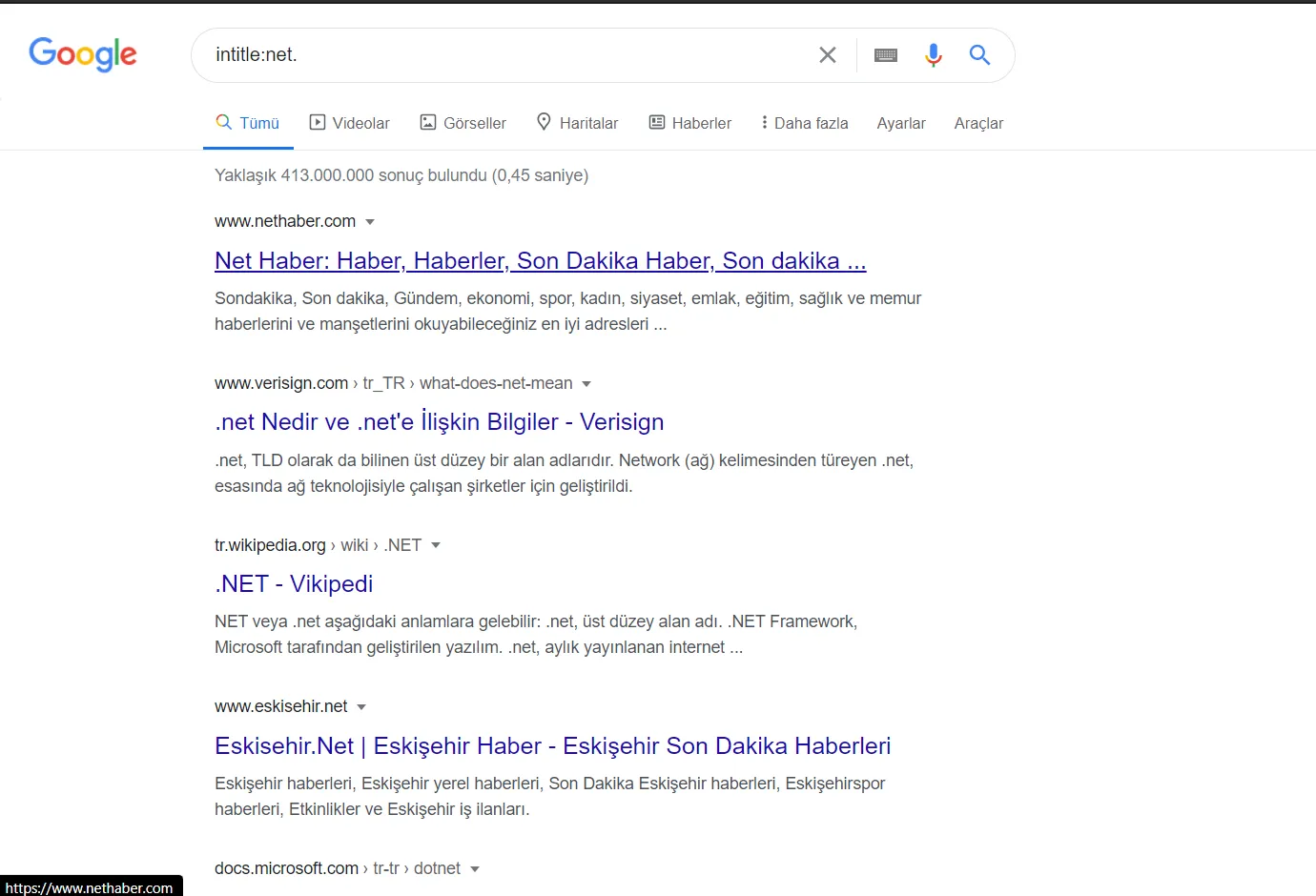
For example, if we use this operator with “net” as the parameter, it will list sites that have the word “net” in their title.
If you run the following query on Google, it will list sites with the word “net” in their title.
“intitle:net.”
-
site (on site)
This operator lists results only from the domain given in the request.
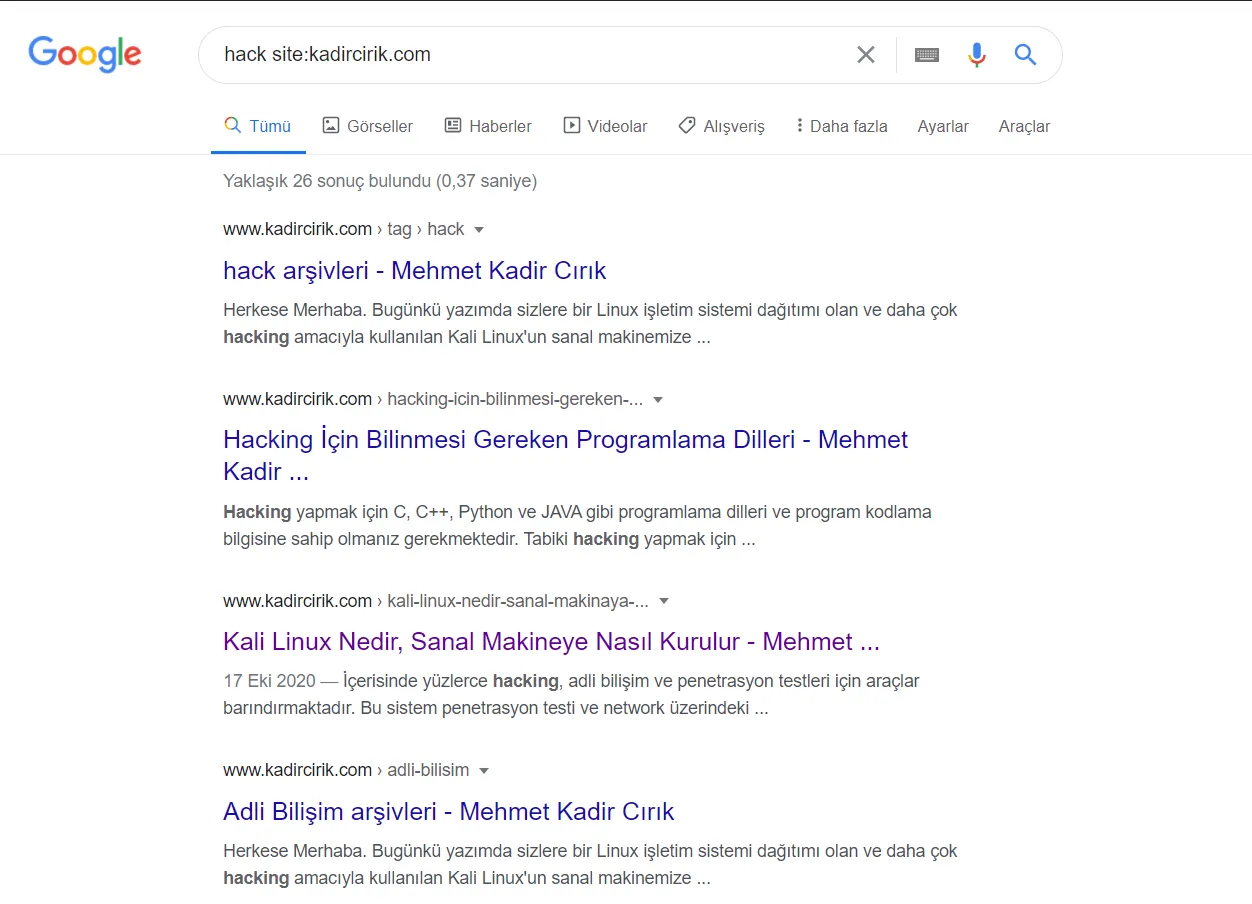
For example, if we only want to list results for the word “hack” from the “kadircirik.com” domain, it’s enough to enter this operator:
- We can run a query like “hack site:kadircirik.com.”
-
related (related to)
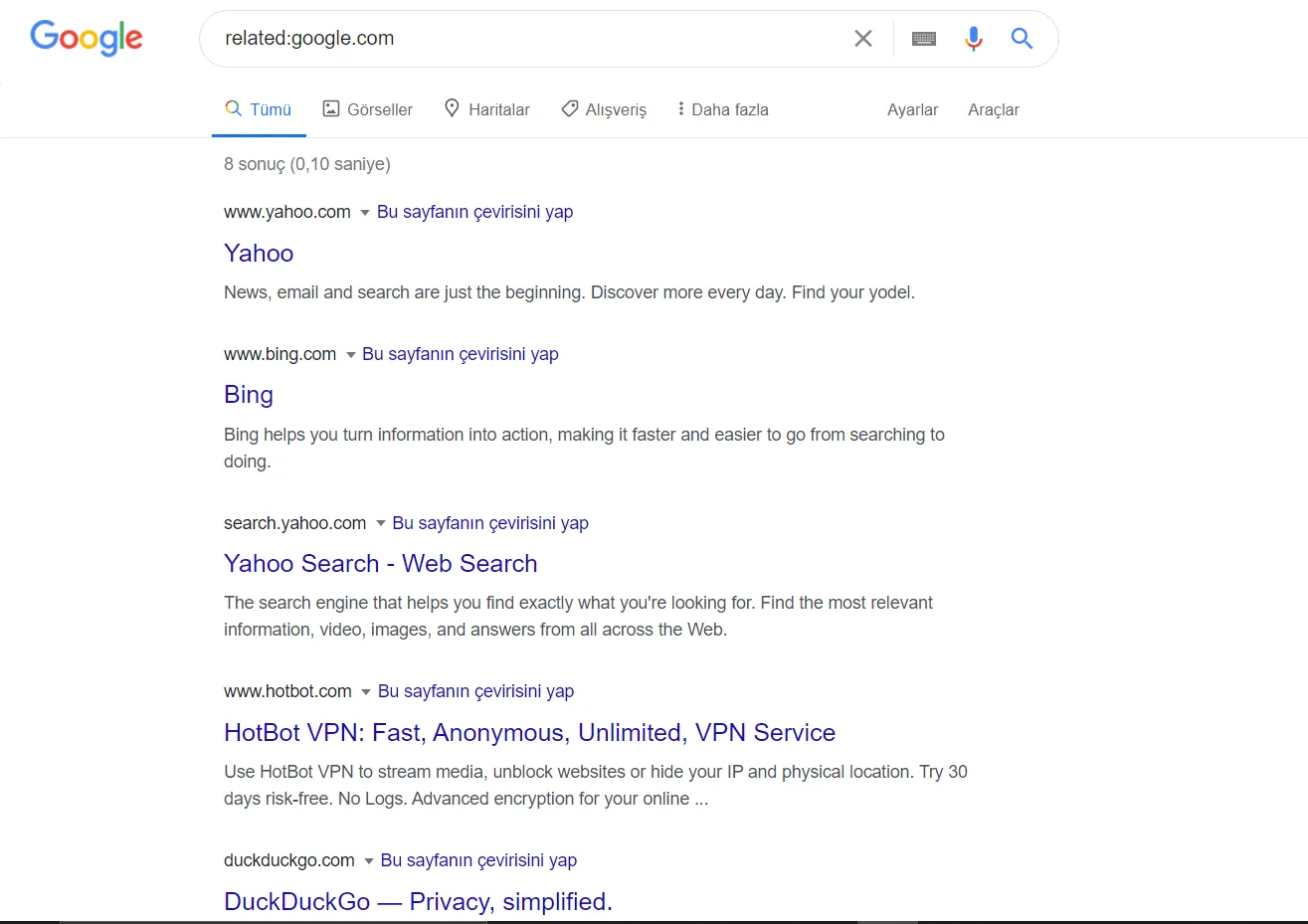
This operator lists websites similar to the one given in the request.
For example, if you run a query like “related:google.com,” since Google.com is a search engine, it will list other search engines as results.
-
link
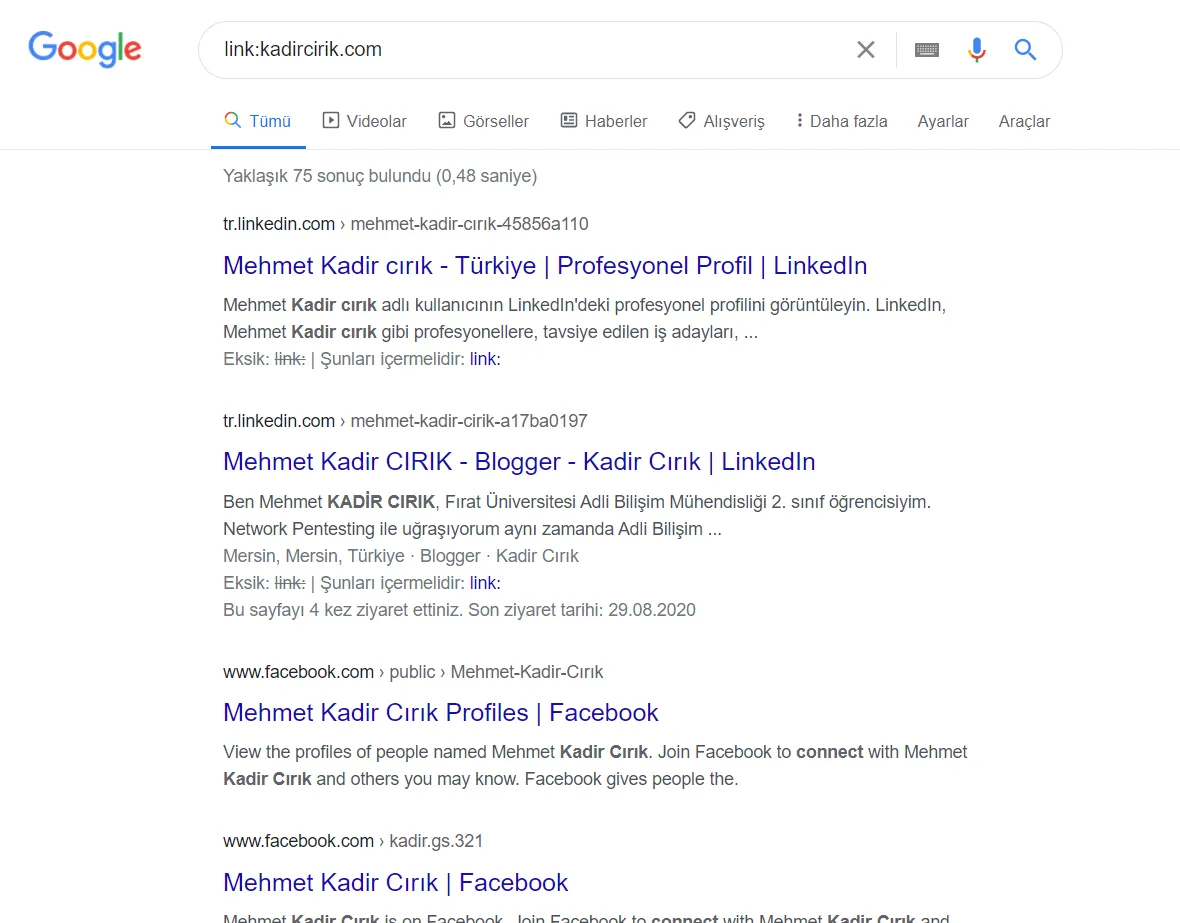
This operator is used to list websites that link to the website given in the request.
For example, with a query like “link:kadircirik.com,” we get a list of websites that link to my website from their own.
-
cache (in cache)
This operator shows Google’s cached copy of the URL given in the request.
For example, if we run a query like “cache:kadircirik.com,” it will show us the most recent cached version of that domain.
-
two dots (..)
This operator lists results that fall within the range of the values before and after it.
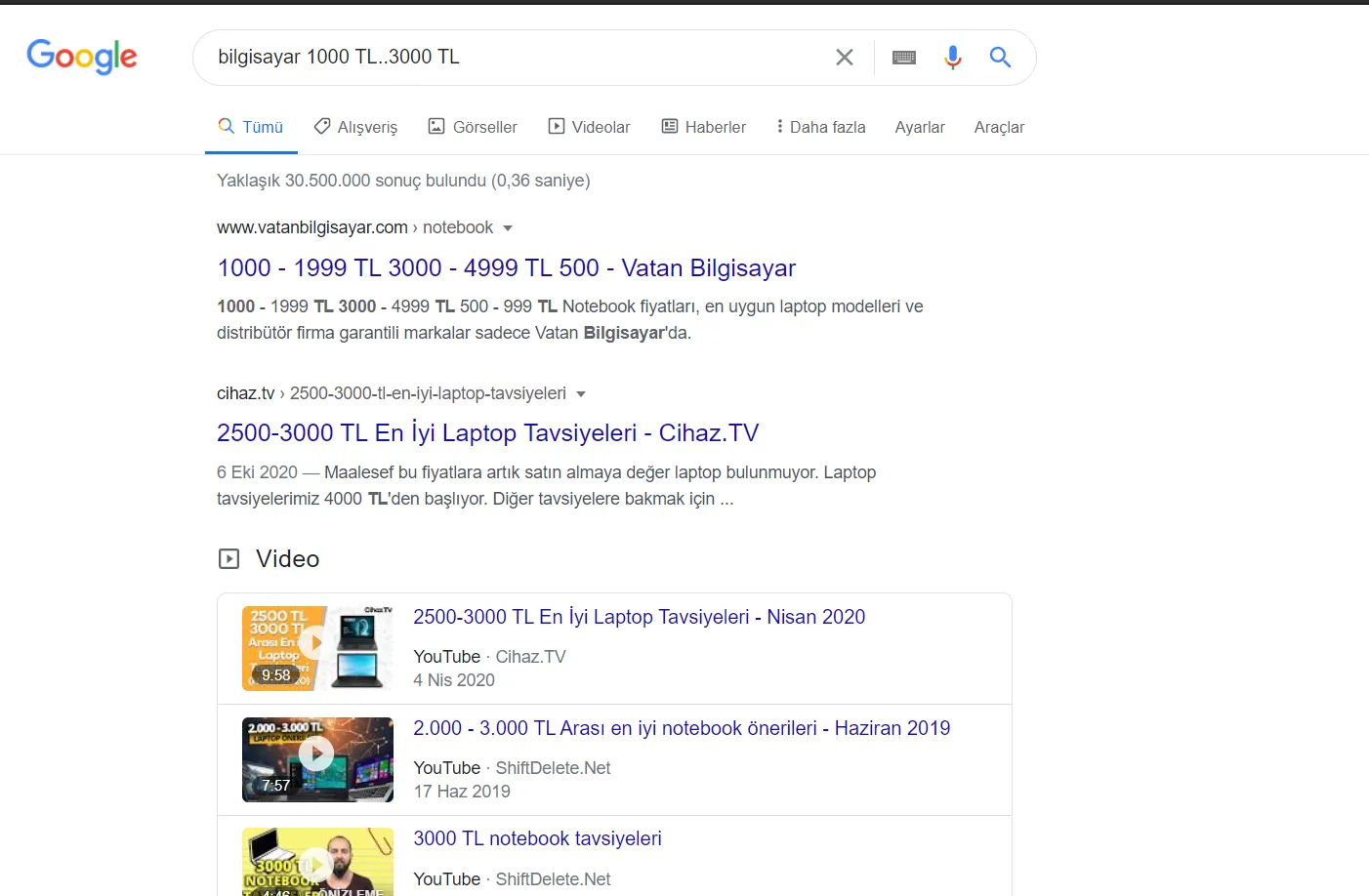
For example, to search for computers priced between 1000TL and 3000TL, it’s enough to write “bilgisayar 1000TL..3000TL.”
-
quotation marks (“…”)
This operator lists results where the words written inside it appear in the exact same order.
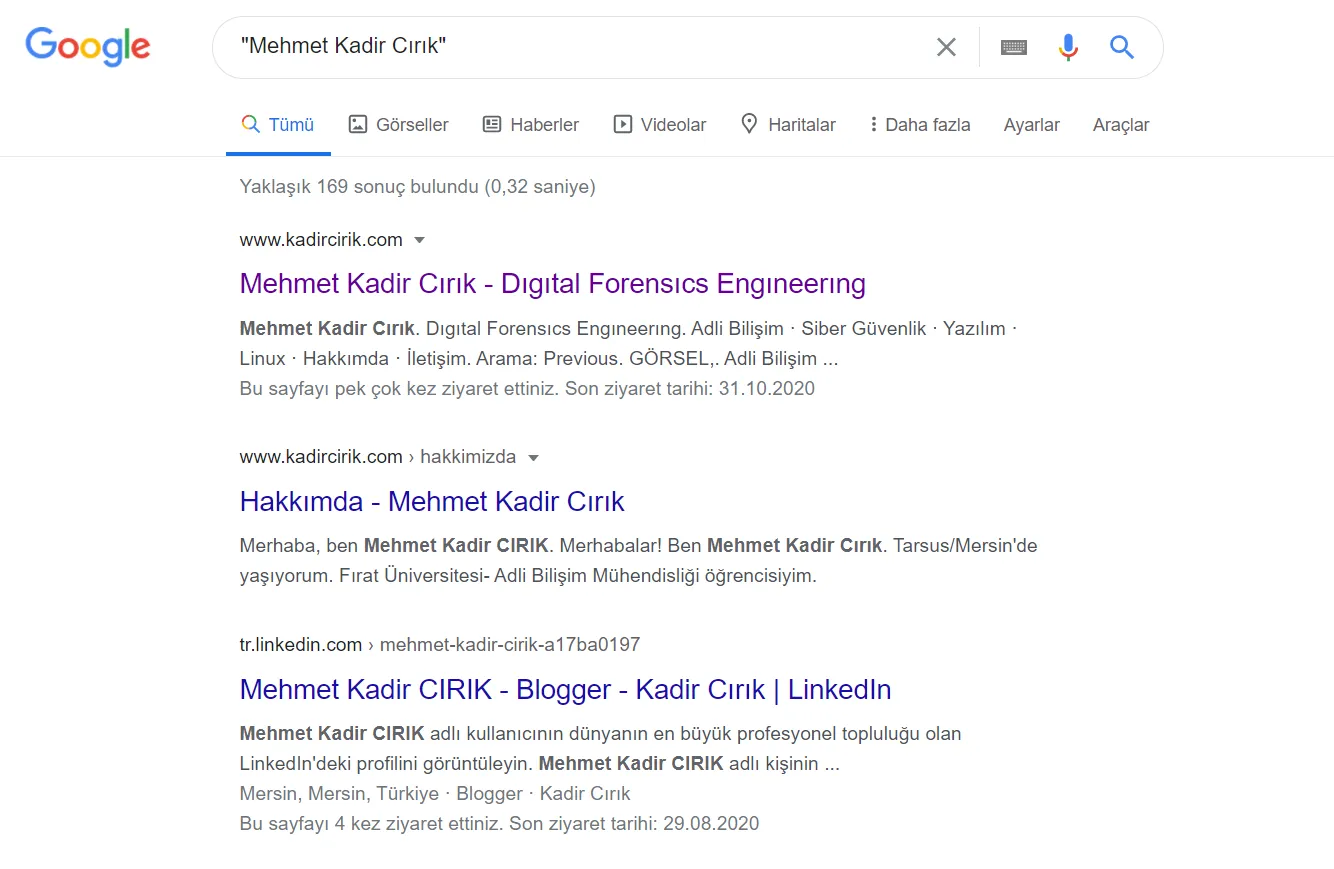
For example, if we search for Ali topu tut without using the quotation operator, all results about these three words will be listed. If we want to find only queries where the phrase appears exactly as Ali topu tut, we need to search for “Ali topu tut” in quotes.
In this article, I covered Google Dorks for you. I hope you found it useful. Thanks to all of you. :)