IOC Detection in Incident Response Processes with "LOKI"
In this article, I will talk about LOKI, an Open Source IOC scanning tool, and what it's used for. I hope it's useful, happy reading in advance. Threat intelligence…

Hello everyone,
In this article, I will talk about LOKI, an Open Source IOC scanning tool, and what it’s used for. I hope it’s useful, happy reading in advance.
In threat intelligence and incident response processes, tracking the hash values, domain names, IP information, and in short the traces left on the network by tools or applications used by attackers is extremely important.
With advanced persistent threats (APT), things become considerably harder on the TTP (Tactics, Techniques and Procedures) side. Because attackers don’t want to be detected by defenders, they have to make things much more complex and difficult. As a result, it becomes quite hard for defenders to detect these as well.
In the end, it’s likely that defenders will fall behind attackers. In this situation, it’s important for defenders to be able to detect the tools, software, and files used by attackers. It’s possible to detect certain malware using YARA rules. This is exactly where LOKI, the subject of our article, comes into play.
LOKI
LOKI is a free and simple IOC scanning tool. It came about as a rewrite of the scanner modules of THOR, a full-featured APT scanner tool.
It plays an important role in detecting threats that many hunting products fail to catch, as well as in incident response processes.
Downloading Loki;
You can download Loki to your systems by going to this link.
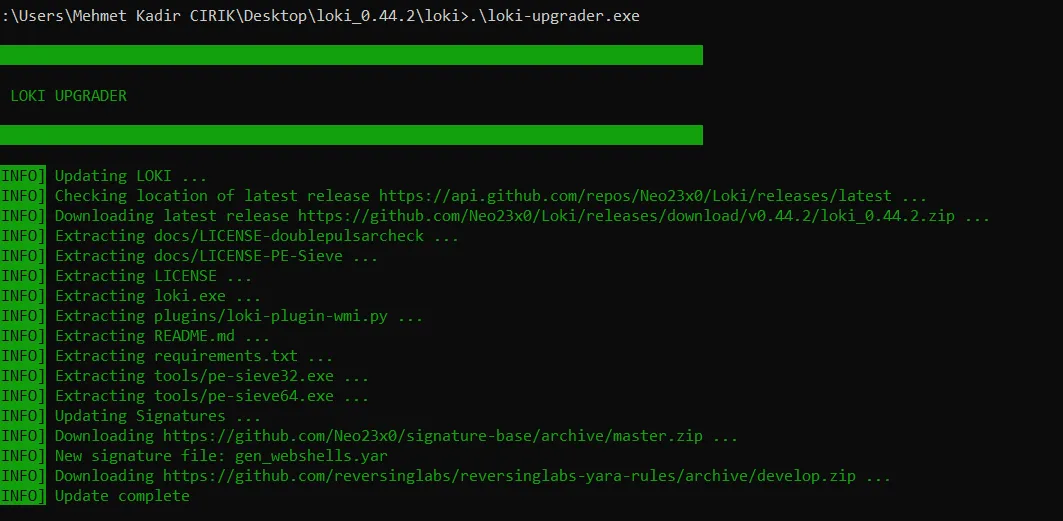
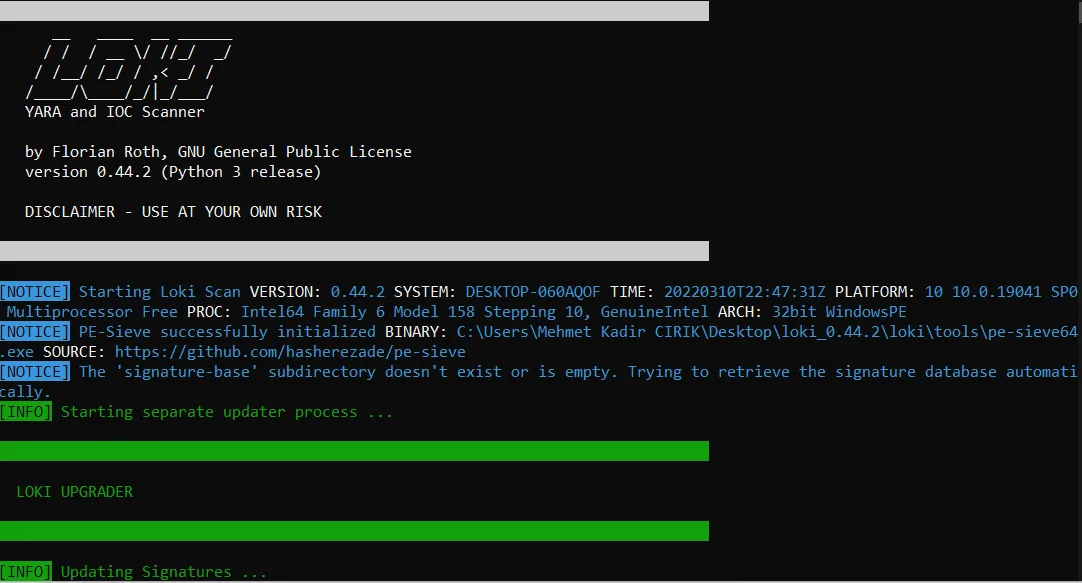
To download the current rule sets on LOKI, we can run the following command from the command line. And we can download the current rule sets.
- loki-upgrader.exe
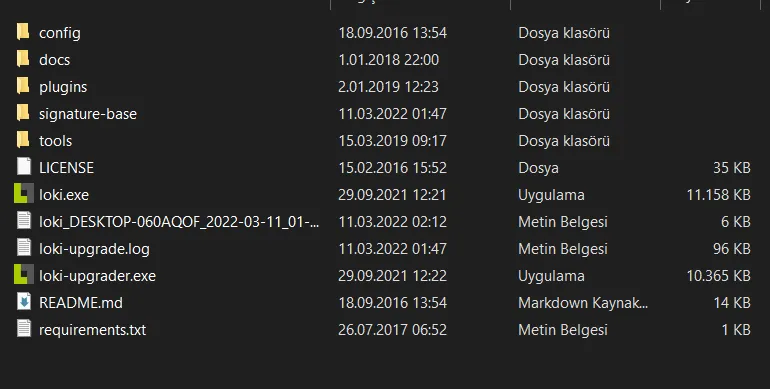
- This screenshot shows the “.exe” file needed to run LOKI, along with the rule files, etc., contained inside it. By running this exe file, a scan can be started using the YARA rules and IOCs it contains.
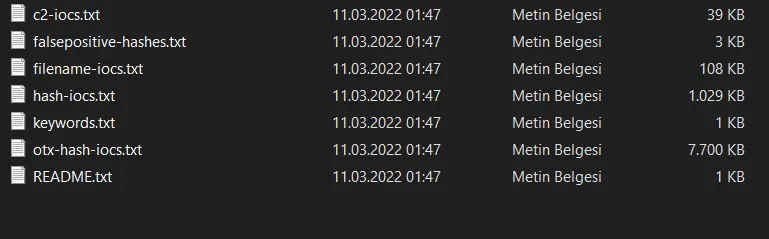
- LOKI contains the following IOCs.
- In this section are the YARA rules with the “.yar” extension found inside LOKI.
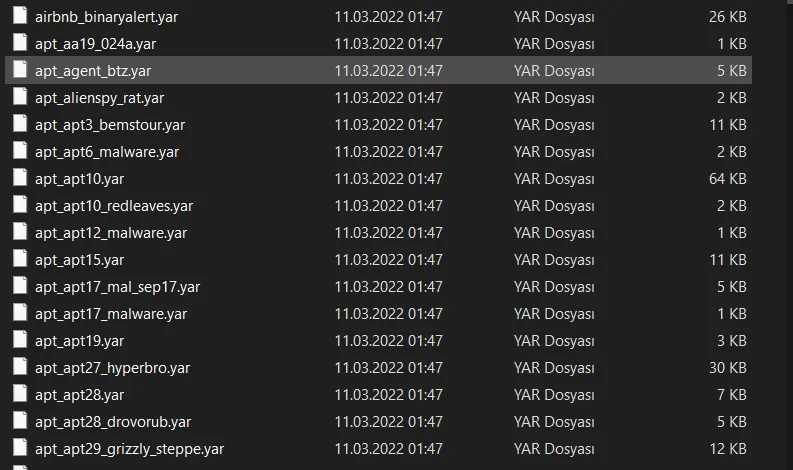
This way, LOKI offers users free scanning of the systems they want to scan using known IOCs and YARA rules.
LOKI supports multiple types of indicators. These are:
- MD5 / SHA1 / SHA256 hashes
- YARA rules
- File names are used as IOCs.
When LOKI is first downloaded, it can be deleted by Windows Defender. To prevent this, you can allow the download by activating the allow option from the action menu.
After doing all this, all that’s left is to run the LOKI tool and review the report result. To do this;
- We run loki.exe. And we start the scan. After that, all we need to do is wait for the scan report to be generated and review it.
- When LOKI is run without any command, it exports the report output as a .log file to the directory it’s located in.
- If you want the report to be exported to a different directory, you can do so by providing a different path.
- After the scan, the .log file can be opened to carry out the necessary review.
If the LOKI tool I’ve described in this article is properly fed with the right resources, that is, if it’s fed with a rich set of YARA rules, it can deliver fast results in incident response processes in a very short time.
Thank you for reading this far, I hope it was useful. :)
Sources: