What Is Virtualization, What Is a Virtual Machine, and What Is It For?
In this article I'll try to give you some information on the topics of: What is virtualization? Is virtualization secure? What is a virtual machine? Now…

Hello, in this article I’ll try to give you some information on the following topics;
- What is virtualization?
- Is virtualization secure?
- What is a virtual machine?
Now let’s go through these topics together.
What is virtualization?
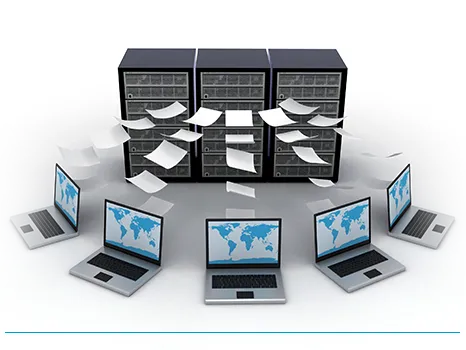
It refers to installing multiple operating systems — which we can call guests — (Linux, Unix, macOS, or Windows) on top of a single piece of hardware (a computer), and having them run by sharing that hardware’s resources (CPU, RAM, etc.).
To explain this with an example,
- Let’s say you have a personal computer with Windows installed on it. Now let’s say that, for various reasons and purposes, you need a different operating system. This is exactly where virtualization technology comes in. Once you’ve set up the necessary virtualization environment, it lets you install whatever operating system you want on your computer. With virtualization, you can install as many operating systems as you like on a single computer. Of course, how much hardware your computer has also matters here.
Today;
- storage
- network
- desktop
- application…
and many other virtualization methods are in use.
Is virtualization secure?
- Actually, one of the questions many of us wonder about most is ‘Is virtualization secure?’. I want to give you some information on this topic as well.
In general, there’s an impression that virtualization introduces a security weakness. The reason for this is that the security and confidentiality of information can be said to decrease proportionally as it’s shared more widely. However, virtualization technology is used by many people today. And as long as the necessary precautions are taken, you won’t run into anything that should worry you too much.
What is a Virtual Machine?
A virtual machine creates a different computer inside a computer. You could also think of it like placing different people inside a single body. Using virtualization programs (Virtualbox, VMware), you can run your virtual machines inside a window. You can have the ability to run multiple virtual machines at the same time. And you use these virtual machines by sharing the hardware they need — the CPU, RAM, and network components of your host machine. This way, your machines end up paired with your host machine. These paired systems reduce hardware requirements, which in turn lowers power, cost, and cooling levels.
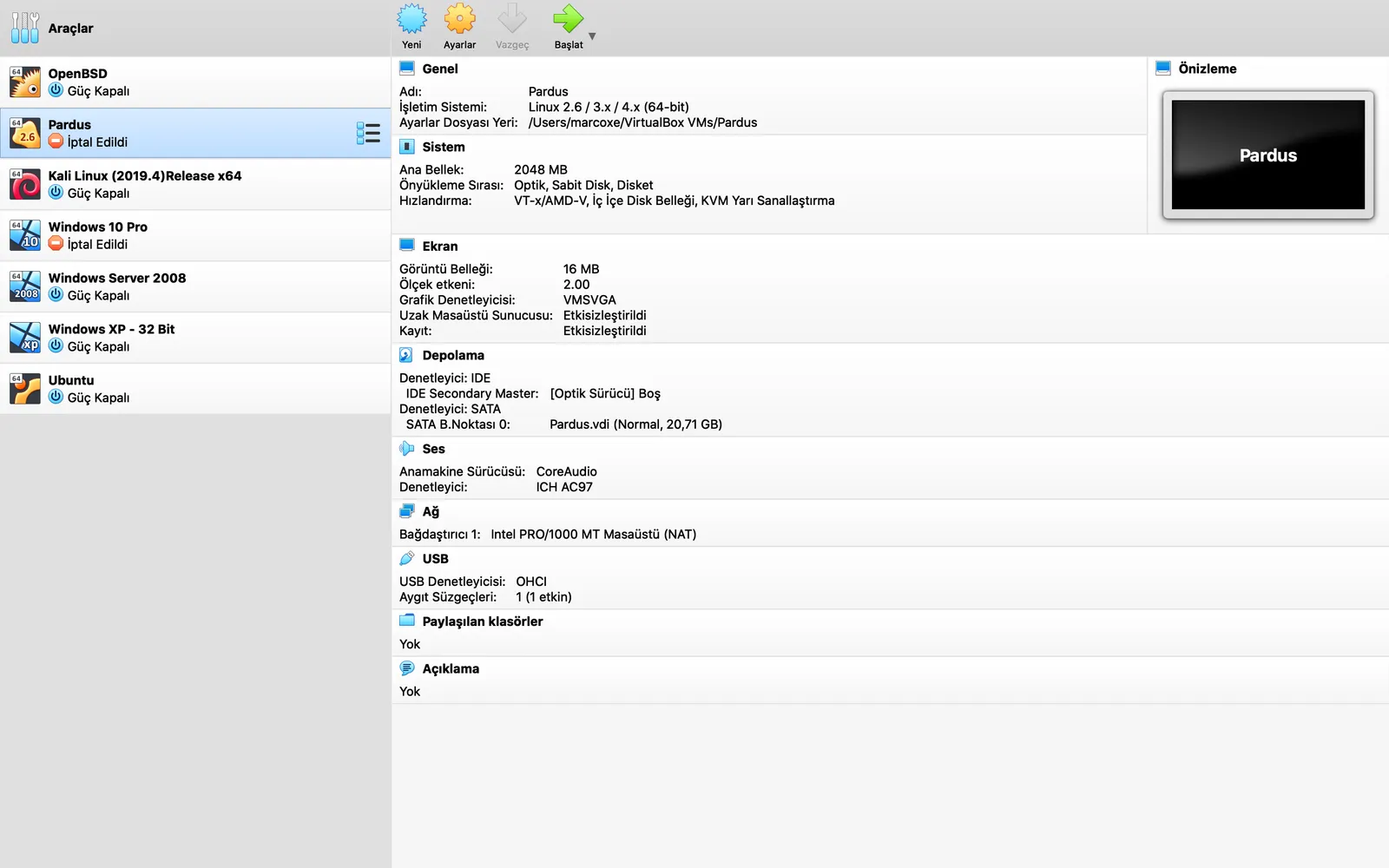
In the image above, I shared a screenshot I took of my own screen using the Virtualbox virtualization program.
I hope you’ve gotten enough information on this topic. Thank you for visiting our page.